7 Trello Templates to Supercharge Your Project Management
Tired of project management chaos? Do you find yourself spending more time organizing tasks than actually completing them? You're not alone. Many teams and individuals struggle with inefficient workflows, leading to missed deadlines, duplicated efforts, and overall frustration. But what if you could streamline your project management process and reclaim valuable time?

Teams can leverage Trello templates on tablets, phones, or laptops to maintain a single source of project truth.
Trello, with its intuitive interface and drag-and-drop functionality, has become a go-to project management tool for teams and individuals alike. Its visual layout and adaptability make it a great fit for almost any workflow. But are you truly maximizing Trello's potential? One of the most effective ways to do so is by leveraging Trello templates. These pre-built structures can save you time, ensure consistency, and dramatically improve your overall organization. Let's explore seven powerful Trello templates that can transform the way you manage your projects. If you're ready to streamline your project management process and boost your productivity, Trello templates are an excellent place to start.
Why Embrace Trello Templates for Project Management?
Trello is already a robust tool, but templates amplify its capabilities. Here's why you should consider incorporating them into your workflow:
Efficiency and Time Savings
Imagine starting each project from scratch, painstakingly creating lists, adding cards, and configuring settings. It sounds exhausting, right? Templates eliminate this repetitive setup. Instead of spending hours building a board, you can have a fully functional project management system ready in seconds.
For example, manually setting up an Agile sprint board could take up to an hour. However, with a template, you can have it ready in under a minute, freeing up valuable time to focus on the actual tasks of the project.
Consistency and Standardization
Consistency is crucial, especially when working within a team. Templates ensure that everyone is aligned by providing a standardized workflow across all projects. This reduces confusion, minimizes errors, and simplifies the process of onboarding new team members.
Standardization also streamlines reporting and analysis. When all projects follow a similar structure, it becomes easier to track progress, identify potential bottlenecks, and make informed, data-driven decisions.
Improved Organization and Clarity
A well-organized Trello board is a thing of beauty. Templates provide a clear structure for your projects, making it easy to see what needs to be done, who is responsible for each task, and the current status of the project.
Trello's visual nature, combined with the structured layout of a template, allows you to quickly grasp the big picture and delve into the details as needed. This visual organization is particularly beneficial for complex projects with many moving parts.
Best Practices Implementation
Templates aren't just about saving time; they're also about implementing industry best practices. Many templates are designed based on established methodologies, ensuring that you're following proven strategies for success.
For example, a content calendar template might incorporate best practices for content planning, scheduling, and promotion, helping you create a more effective content strategy overall.
Agile Sprint Management Template
Agile sprints are short, focused periods of work designed to deliver value incrementally. This template helps you manage your sprints effectively, ensuring that you stay on track and deliver results consistently.
Understanding Agile Sprints
Agile methodology emphasizes iterative development, collaboration, and flexibility. Sprints are at the heart of Agile, typically lasting one to four weeks. Effective sprint planning and tracking are essential for success.
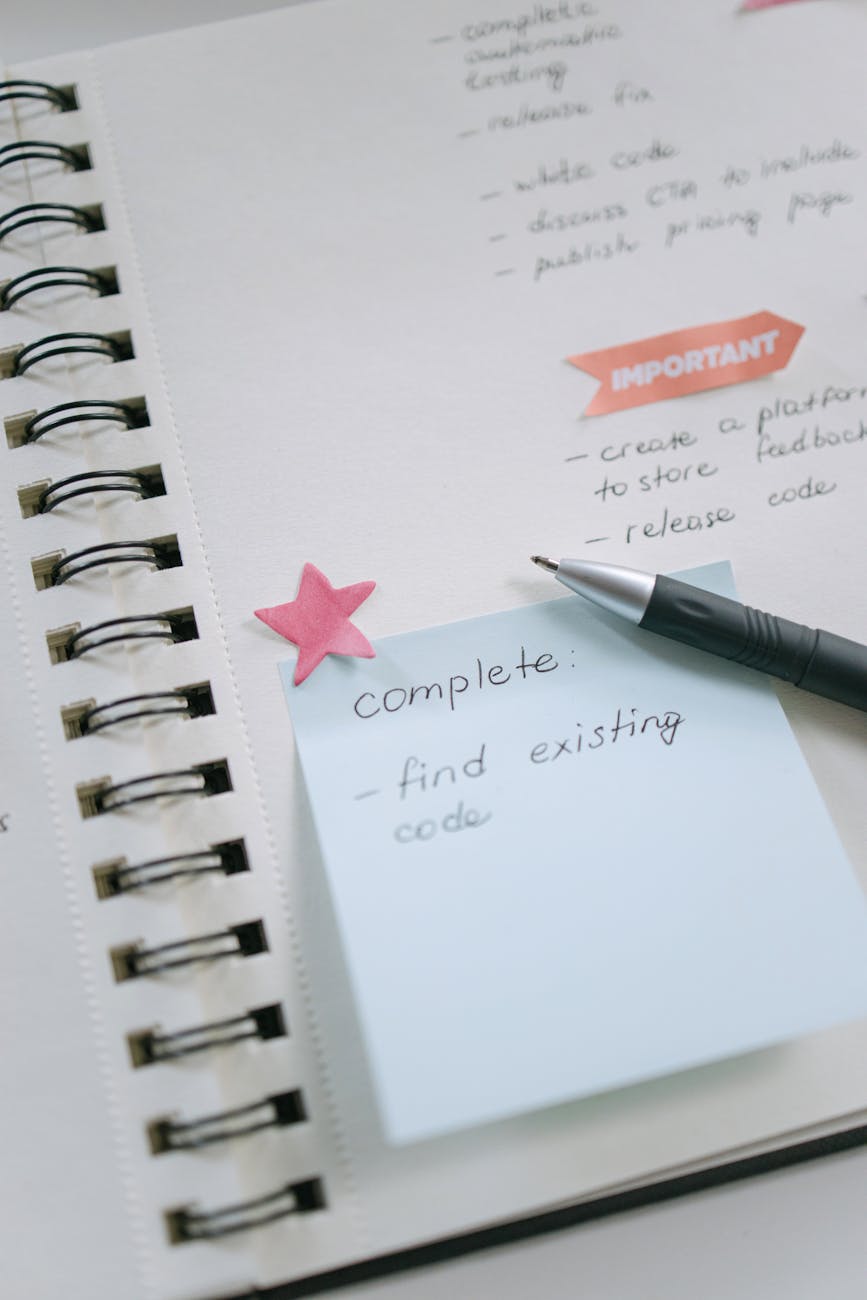
A visual reminder to stay organized and complete tasks efficiently, relevant to Agile sprint management.
However, it's worth noting that some studies indicate a 268% higher failure rate for agile software projects than waterfall ones. It's important to remember that teams often fail not because they're agile, but because they're trying to be agile on paper while still working in a waterfall mindset.
Template Components:
- Backlog: A prioritized list of all tasks and user stories to be considered for the sprint.
- To Do: Tasks selected for the current sprint that are ready to be worked on.
- In Progress: Tasks that are currently being actively worked on.
- Review: Tasks that have been completed and are awaiting review.
- Done: Tasks that have been reviewed, approved, and completed.
Consider using custom labels like "High," "Medium," and "Low" to prioritize tasks within each list.
How to Use the Template:
- Create a new board using the Agile Sprint Management template.
- Populate the Backlog with user stories and tasks.
- During sprint planning, move tasks from the Backlog to the To Do list.
- As team members work on tasks, move them to In Progress, Review, and finally, Done.
- Use labels to prioritize tasks and track progress visually.
- Hold daily stand-up meetings to discuss progress and address any roadblocks.
Content Calendar Template
Planning and scheduling your content is essential for a successful content marketing strategy. This template provides a visual overview of your content pipeline, helping you stay organized and consistent with your publishing schedule.
The Importance of Content Calendars
A content calendar is a visual representation of your content plan, outlining what you'll be publishing, when, and where. It helps you maintain a consistent publishing schedule and ensures that your content aligns with your overall marketing goals. To keep content fresh without burning out, consider re-purposing old content and transforming long form website content into short form videos for social media.
Template Components:
- Idea: A repository for potential content ideas.
- Draft: Content that is currently being written.
- Editing: Content that is being reviewed and edited.
- Scheduled: Content that has been scheduled for publication.
- Published: Content that has been published and promoted.
Use custom fields to track due dates, content type (e.g., blog post, video, infographic), and target audience for each piece of content.
How to Use the Template:
- Create a new board from the Content Calendar template.
- Brainstorm content ideas and add them to the Idea list.
- Move content through the different stages of the workflow as it progresses.
- Use custom fields to track important details about each piece of content.
- Schedule content directly from the Trello board using integrations like Buffer or Hootsuite.
Personal Goal Tracking Template
Achieving your personal goals requires planning, tracking, and motivation. This template provides a visual system for setting and monitoring your progress toward those goals.
The Power of Personal Goal Tracking
Setting and tracking personal goals is essential for personal growth and fulfillment. A visual goal-tracking system can help you stay motivated and focused on what matters most to you. Sometimes, fatigue isn't just physical; it can be emotional. If you're constantly tired, ask yourself if your brain thinks what you're doing is a waste of time. If your goals and daily life aren’t aligned, your brain might slam the brakes.
Template Components:
- Health: Goals related to your physical and mental well-being.
- Career: Goals related to your professional development.
- Finance: Goals related to your financial stability and growth.
- Relationships: Goals related to your personal relationships.
Use checklists to break down larger goals into smaller, more manageable tasks.
How to Use the Template:
- Create a new board from the Personal Goal Tracking template.
- Define your goals in each category and add them as cards.
- Break down each goal into smaller tasks using checklists.
- Track your progress by checking off tasks as you complete them.
- Set SMART goals (Specific, Measurable, Achievable, Relevant, Time-bound) to increase your chances of success.
Project Launch Checklist Template
Launching a project involves numerous tasks and dependencies. This template ensures that nothing falls through the cracks, leading to a successful launch.
Why You Need a Project Launch Checklist
A comprehensive launch checklist is crucial for ensuring that all necessary tasks are completed before a project goes live. This helps prevent costly errors and ensures a smooth launch process.
Template Components:
- Pre-Launch: Tasks to be completed before the launch date (e.g., final QA, marketing campaign setup).
- Launch Day: Tasks to be completed on the launch day (e.g., website deployment, social media announcements).
- Post-Launch: Tasks to be completed after the launch (e.g., customer support, performance monitoring).
Use due dates and assigned team members to ensure accountability for each task.
How to Use the Template:
- Create a new board from the Project Launch Checklist template.
- Customize the checklist items to fit your specific project needs.
- Assign tasks to team members and set realistic due dates.
- Track progress by moving cards through the different phases of the launch.
Customer Onboarding Template
A smooth onboarding process is essential for customer retention and overall satisfaction. This template helps you guide new customers through the initial stages of using your product or service.
The Importance of Customer Onboarding
A well-designed onboarding process helps new customers understand the value of your product or service and encourages them to become long-term, engaged users.
Template Components:
- Welcome: Initial welcome and introduction to your product or service.
- Training: Training materials and resources to help customers learn how to use your product effectively.
- Implementation: Assistance with setting up and implementing your product or service.
- Support: Ongoing support and assistance to address customer questions and issues as they arise.
Use checklists for onboarding tasks and to provide links to helpful resources.
How to Use the Template:
- Create a new board from the Customer Onboarding template.
- Create a card for each new customer who begins the onboarding process.
- Move customers through the different stages of the onboarding process.
- Use checklists to track progress and ensure that all onboarding tasks are completed thoroughly.
- Personalize the onboarding experience to meet the specific needs of each customer.
Meeting Agenda Template
Structured meetings are generally more efficient and productive for everyone involved. This template helps you create effective meeting agendas and facilitate productive discussions.
Creating Effective Meeting Agendas
A well-structured meeting agenda ensures that meetings stay focused, on track, and productive, maximizing the use of everyone's time.

Visual aids like Trello and meeting templates can streamline collaboration and boost productivity.
One effective strategy to improve 1:1 meetings is to start with a "battery check", asking team members where they're at to catch burnout early and address problems before they escalate.
Template Components:
- Introductions: A brief introduction of attendees, especially if there are new participants.
- Agenda Items: A list of topics to be discussed during the meeting.
- Action Items: A list of tasks to be completed after the meeting, with assigned owners.
- Next Steps: A summary of the next steps to be taken after the meeting concludes.
Use due dates for action items to ensure timely completion.
How to Use the Template:
- Create a new board from the Meeting Agenda template.
- Add agenda items to the Agenda Items list, providing context for each.
- Assign owners to each agenda item to lead the discussion.
- During the meeting, take detailed notes and assign action items to specific individuals.
- Track the progress of action items after the meeting to ensure accountability.
Bug Tracking Template
Tracking and resolving bugs is essential for maintaining high software quality and a positive user experience. This template helps you manage the bug lifecycle, from initial reporting to final resolution.
Why Bug Tracking Matters
Effective bug tracking helps improve software quality and ensures a positive user experience for your customers.
Template Components:
- Reported: Newly reported bugs that need to be investigated.
- In Progress: Bugs that are currently being actively worked on by developers.
- Testing: Bugs that have been fixed and are currently undergoing testing to verify the fix.
- Resolved: Bugs that have been successfully fixed and verified as resolved.
Use labels for bug categories (e.g., UI, Functionality, Performance) to help with organization and prioritization.
How to Use the Template:
- Create a new board from the Bug Tracking template.
- Create a card for each reported bug, including detailed information about the issue.
- Move bugs through the different stages of the bug lifecycle as they are addressed.
- Use labels to categorize bugs and prioritize them based on their severity and impact.
Supercharge Your Project Management with Trello Templates
Trello templates are a game-changer for effective project management. They save you time, ensure consistency across projects, improve overall organization, and help you implement industry best practices. Don't be afraid to experiment with these templates and customize them to fit your specific needs and workflows.
However, Trello isn't always the perfect solution. For highly complex projects requiring advanced resource management and Gantt charts, tools like Microsoft Project or Asana might be a better fit. Also, be aware of potential disruptions. Some users have expressed concerns that new UI changes are making it harder to view lists and requiring multiple clicks to accomplish formerly effortless tasks. Also, be mindful of potential disruptions to existing workflows due to updates.
Ready to experience the power of organized project management? Sign up for a free Trello trial today and download the Agile Sprint Management template to get started. See how Trello and the power of templates can transform your workflow and boost your productivity.